
Why Your Dental Clinic Needs a Viber Broadcast List, and Which Kind to Set Up
Your clinic's orthodontist is starting Saturday clinics next month. Somewhere in your records are a thousand or so patient numbers, and a fair few of those people would book a Saturday if they knew.
So how do you tell them?
Messenger lets your Page reply freely for 24 hours after someone last wrote to you, which covers the handful of people who asked about something this week. Texting the whole list means paying for every message, and a text with a link in it is the kind Philippine networks are most likely to filter. A Facebook post reaches whoever Facebook decides to show it to.
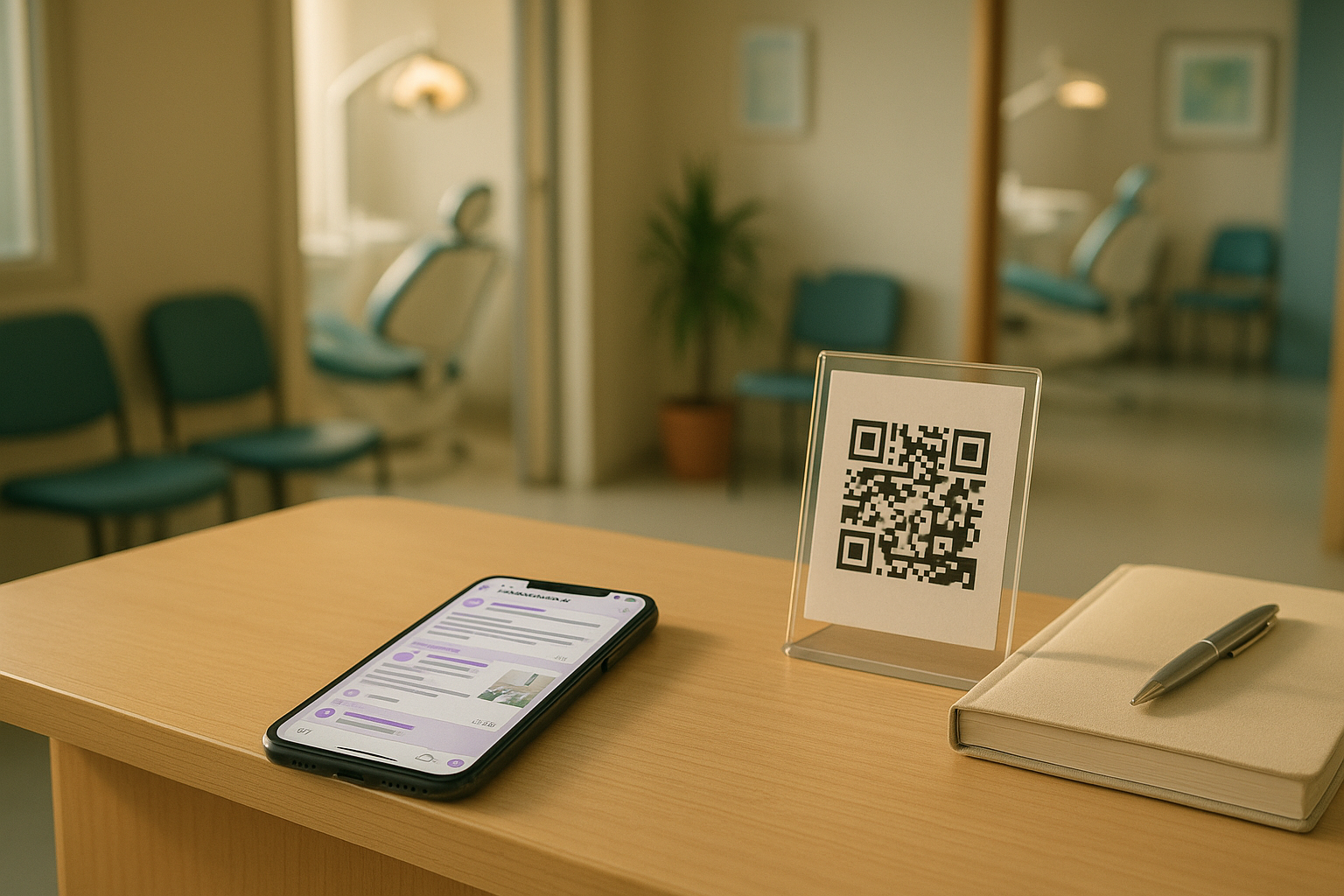
So it goes on a printed sign at the front desk, where it reaches the patients who are already in the building.
That's the gap a Viber broadcast list fills. It's one place to tell every patient who wants to hear from you the same thing at the same time, without paying per message. The obvious way to build one is a Viber group chat, and that's a mistake you can't take back afterwards.
The short answer
- You need a way to reach every patient who opted in, all at once, without paying per message. In the Philippines, Viber is the realistic place to do it. Infobip's Messaging Trends Report 2026 puts Viber's penetration here at 71 percent, behind only Messenger at 95 (The Manila Times, 2026).
- Set it up as a Viber channel. Only the clinic can post, there's no member limit, and patients can't see each other's phone numbers.
- Never set it up as a Viber group. Everyone in a group sees everyone else's number, so a group of patients tells all of them who else goes to your clinic.
- The broadcast list built into the Viber app is fine for a dozen people. It runs out of room fast and lives on one staff member's phone.
- Only include patients who said yes, and leave appointment reminders on SMS, where they reach every booked patient whether they joined or not.
What a broadcast is for, and what it isn't
Most of what a clinic sends can't be a broadcast, because it's meant for one person: Ms Reyes's cleaning at 2:30, the aftercare for Mr Lim's extraction. Those have to reach that person every time, on a channel that doesn't depend on them having joined anything.
What's left is a shorter list, and it's mostly the stuff that currently ends up on the tarpaulin.
| Message | Broadcast it? | Where it belongs |
|---|---|---|
| Closed today, storm signal raised | Yes | Viber channel, plus a direct text to everyone booked that day |
| Holy Week or Christmas schedule | Yes | Viber channel, posted a week or two ahead |
| New dentist, new service day, new branch | Yes | Viber channel |
| Open slots this Saturday | Yes, with a booking link | Viber channel |
| Seasonal offer, like a back-to-school checkup | Yes, if the patient agreed to offers | Viber channel |
| Ms Reyes's reminder for tomorrow | No | SMS, to her alone |
| Aftercare after Mr Lim's extraction | No | One to one, by SMS or in person |
| Anything naming a patient or a procedure they had | Never | Nowhere public |
The storm row is the one to read twice. A channel only reaches the people who joined it, so it can't be the only way you tell patients who are booked that day. They get a direct message as well. The channel post is for everyone else.
Why Messenger and SMS don't do this job well
Messenger is built for conversations
Your patients are on Messenger, and it's probably where most of your enquiries start. But a Page can only message someone freely for 24 hours after their last message. Outside that window it needs an approved template, and Meta retired the message tags clinics used to rely on earlier this year. We went through what changed in SMS, Messenger or Viber: where should a clinic send appointment reminders?
A Page post costs nothing, but it isn't a list. Facebook decides who sees it, and following your Page doesn't guarantee a patient will.
SMS is too valuable to spend on announcements
SMS reaches everyone with a phone, which is exactly why your reminders belong there. As a broadcast tool, though, it has problems.
- Every text is charged, and a broadcast multiplies that by your whole list.
- Networks filter links, and they filter shortened links harder. A promo text with a link is the message on your account most likely to vanish without anyone noticing. The reminder SMS templates guide has the rules.
- The NTC bars broadcast SMS between 9 PM and 7 AM. Our recall timing guide quotes the circular.
- It spends the patient's attention on the one channel you need them to keep reading. Once your clinic's name in their inbox usually means a promo, the day-before reminder gets the same quick glance.
Viber's four ways to message a lot of people
They look alike in the app, and they treat your patients' phone numbers very differently. Most of this table comes from Viber's own comparison. Viber doesn't publish a cap for the broadcast list, so the 50 comes from messaging vendors' guides.
| Broadcast list | Group | Community | Channel | |
|---|---|---|---|---|
| How many people | About 50 | Up to 250 | No limit | No limit |
| Who can post | You, sent to each person as a private chat | Everyone | Everyone, unless a superadmin limits it to admins | Admins only |
| Members see each other's numbers | No, they don't know about each other | Yes | No | No |
| Members see who else joined | No | Yes | Yes, unless a superadmin hides the list | No, only admins can |
| For a clinic | Fine for a dozen people | Never, for patients | Workable if you lock it down | The one to use |
The group chat is the one that hurts
A group is what most people reach for, because it's what the family uses. For a clinic it's the wrong tool in a way you can't fix later.
Everyone in a Viber group can see the full member list and every member's phone number, and can call any of them straight from the group. Put 200 patients in one and you've told each of them who else is a patient of your clinic, then handed them a way to reach each other.
I'd treat that as health information. The Data Privacy Act counts information about a person's health as sensitive personal information, and the fact that someone gets their teeth done at your clinic is about their health care. Deleting the group later doesn't take any of it back, because by then people have seen the numbers and some will have saved them.
It also turns into a chat. Someone asks how much braces cost, someone else answers with the wrong price, a third person shares another clinic's promo, and 200 phones buzz every time.
Community or channel
A community hides phone numbers too, and a superadmin can hide the member list and limit posting to admins. Set up like that, it behaves a lot like a channel. But it starts open, and it only stays private while nobody changes a setting. One staff member flipping one switch puts the member list back on show.
A channel starts where you want to end up. Only admins post, only admins see who joined, and members can't see each other's numbers. That's the one I'd use.
How to set up a clinic Viber channel
- Use the clinic's phone and number, not a staff member's. If Jen creates the channel on her personal Viber and leaves in March, the person in charge of your patient channel leaves with her. Make the owner a second superadmin on day one, so somebody can always change the settings.
- Create the channel. In Viber on the phone, go to Chats, tap the compose button, then New channel, then Create channel. Call it something plain like "Smile & Skin Clinic Updates", because that name is what patients see in their chat list.
- Write the description. Viber gives you 250 characters. Use them to say what you'll post, how often, and how to leave. For example:
Clinic hours, closures, open slots and the occasional offer from Smile & Skin Clinic, about twice a month. For your own appointment, we'll text you. You can leave the channel at any time.
- Check that comments are off. A superadmin can switch them on or off in the channel info. Leave them on and someone will ask about their own treatment under your holiday schedule, in front of every other patient. If people need to ask something, the post can tell them where.
- Copy the invite link and make a QR code. The link is in the channel info, and Viber's admin guide suggests pasting it on your website or putting it in a QR code. Print the QR for the front desk and the payment counter, and add the link to your Facebook Page. Keep it out of your text messages, where links are the first thing networks filter.
- Let patients add themselves. When you invite people from the phone's contacts, Viber puts anyone who has your number saved straight into the channel, without asking them. A clinic phone has hundreds of patients saved, so don't invite from it. Let people scan the code and join. Joining is a clear yes in its own right, and the intake form records it as well.
Getting consent right
Closures and clinic hours are close to what a patient expects when they give you their number. Offers are direct marketing, and that's where the Data Privacy Act gets particular.
The NPC's Guidelines on Consent (NPC Circular No. 2023-04) allow direct marketing without consent, as a legitimate interest, but only when the information involved is ordinary personal information. Sensitive personal information isn't covered. I wouldn't lean on that exception for a dental clinic, because your patient list sits too close to health information. Ask instead, on its own line of the intake form:
[ ] Yes, Smile & Skin Clinic can send me clinic updates and offers on its Viber channel. I can leave the channel at any time.
Three things make that line hold up.
- Keep it separate. A sentence buried in the treatment consent isn't a free choice. A box the patient ticks for this one thing is.
- Date it and keep it. The circular wants consent you can prove, whether on paper, electronically or as a recording.
- Make leaving as easy as joining. The circular asks for that too, and Viber already lets anyone leave a channel on their own. What you add is the promise never to put them back.
If your clinic has a data protection officer, show them the wording before you print it.
What to post, and how often
Two to four posts a month is plenty. That's my own rule of thumb, not a researched number. Post much more and people mute the channel, which Viber lets them do from the channel info without you ever knowing.
The NTC's 9 PM to 7 AM rule is written for SMS, not Viber. I'd keep to the same hours anyway. Nobody wants a clinic promo buzzing at 11 PM, and the mute button is right there.
Viber lets admins schedule channel posts up to a year ahead, so the Christmas schedule can be written in November and forgotten about.
A few posts to adapt:
Storm closure
Smile & Skin Clinic is closed today, Friday, because of the storm signal over Cebu. If you had an appointment today, we're texting you directly to move it. We'll post here as soon as we reopen. Ingat po.
Open slots
We have three open slots this Saturday morning, between 9:00 and 11:30, for cleaning or consultation. Book here: [booking link]
Holy Week schedule, scheduled a couple of weeks ahead
Holy Week schedule: we're open Monday to Wednesday as usual, closed Maundy Thursday to Black Saturday, and back on Monday at 9 AM.
New service day
Our orthodontist now sees braces patients on Saturdays, starting in November. Book a consultation here: [booking link]
The open-slots post works best alongside a short-notice list. The list is for patients who asked to be called first. The channel is for everyone else, once they've had their chance.
What never goes on the channel
- A patient's name, photo or before-and-after, unless they've agreed in writing to that exact use.
- Answers to clinical questions. "Toothache? Take this" is advice to hundreds of people nobody has examined.
- Anyone's appointment details. Those go to the patient, by SMS.
- A price you won't honour next month. New members can scroll back through everything posted before they joined, so an old promo keeps getting read.
Common mistakes
Making it a group. It's the one mistake on this list you can't undo.
Running it from someone's personal phone. The channel follows its superadmin, not the clinic.
Inviting the whole contact list. It skips the yes. Patients who never asked will leave, and some will report the posts.
Moving reminders onto Viber. The channel only reaches people who joined. A reminder has to reach everyone who's booked.
Posting "book now" with no way to book. Twenty people decide at once, and all twenty message Jen.
Is it worth it for a small clinic?
Viber doesn't charge to create a channel or to post in one. The cost is an afternoon to set it up and a few minutes every couple of weeks to post.
Don't mix it up with Viber Business Messages. That's a paid service, sold through providers, that sends branded messages to patients' phones, with a monthly sender fee on top. We priced that in the reminders comparison, and for a single clinic it rarely adds up. A channel is the free version, where patients come to you.
Expect it to start small. Only patients who scan the code will join, so it grows one visit at a time. Even a small channel reaches people on a Thursday evening about a Saturday slot. The sign at the front desk can't do that.
Where OtterFlow fits
OtterFlow doesn't post to Viber, and you don't need it to run a channel. Where it comes in is the hour after you post.
Say you post the three open Saturday slots at 6 PM on Thursday. The patients who want one tap the booking link. If that link opens your clinic's OtterFlow chat page, Flo answers their price questions from the information you approved, offers only the slots that are still genuinely open, and books them. Each booking gets an SMS confirmation and a reminder before the visit, and once the three slots are gone, nobody else gets offered them. Jen reads about it on Friday morning instead of answering it on Thursday night.
Pricing is public. Setup: ₱0. Then 4,975 a month. If you'd like to see the booking side running on your own services and hours, a 15-minute demo is the quickest way.
Frequently asked questions
Can patients in the channel see who else joined?
No. Only admins and superadmins can see a channel's member list, and members' phone numbers are hidden from each other.
Can the channel belong to our Viber Business Account?
Viber Business Accounts are free for local businesses in the Philippines, and Viber lets a channel be marked as a business's official chat. If you've set one up for the clinic, use it.
We already have a patient group chat. What now?
Start the channel, post its link in the group once with a note that the group is closing, then remove the members a week later. The conversion Viber offers is for public communities on a business account, so a group has to be moved by hand. Closing it won't unshare the numbers people have already seen, but it stops every new member's number joining them.
The one thing to do this week
Create the channel from the clinic phone, add the line to your intake form, and print the QR code for the front desk. Your first post can be the next schedule change, and in a Philippine clinic there's always one coming, whether it's a holiday or a storm.
If the first open-slots post brings in more messages than the desk can answer, that's the part OtterFlow takes off your hands, and a fifteen-minute call is enough to see it working on your own clinic's details.