
The Best Time of Day to Send Dental Recall Messages in the Philippines
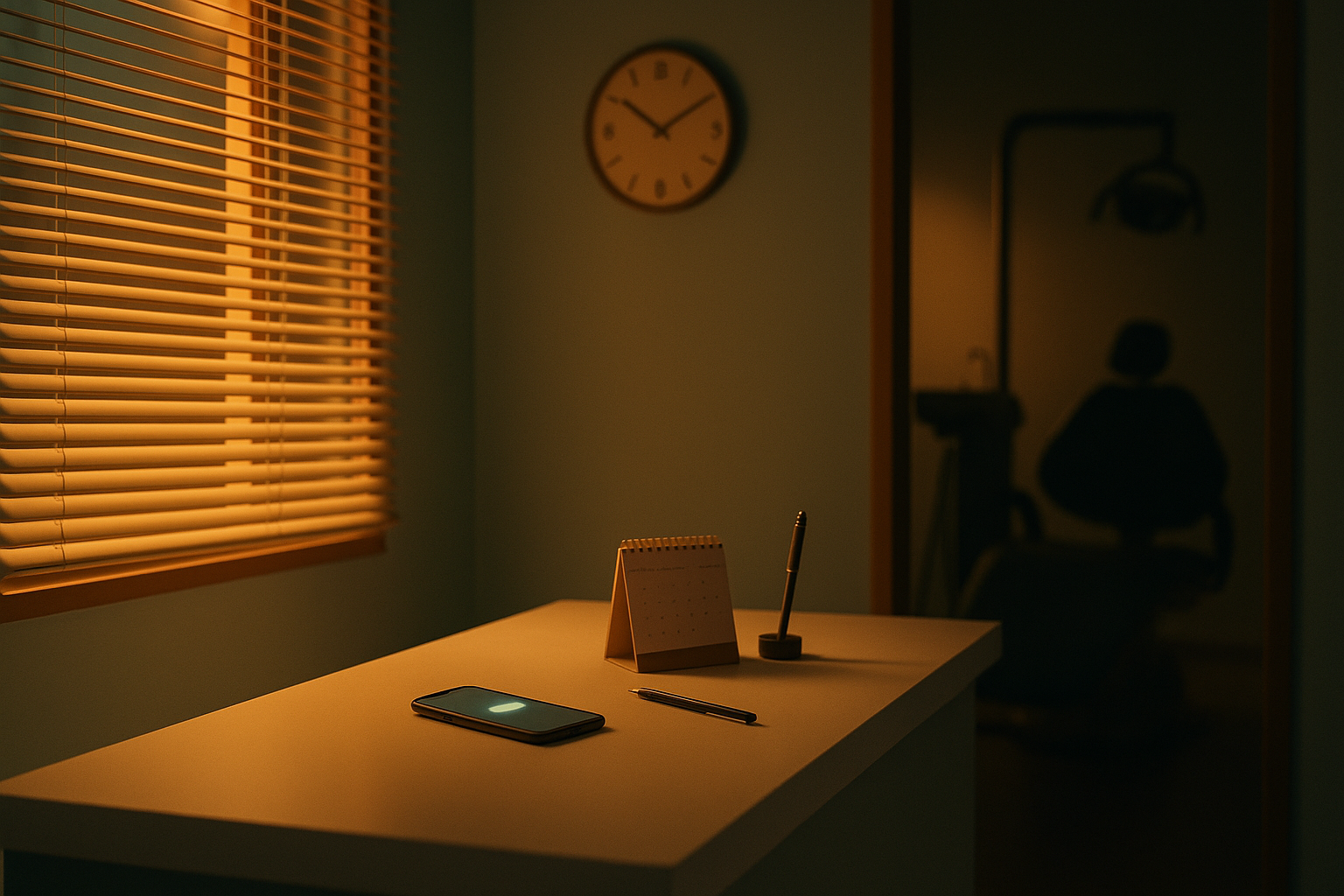
Jen at the front desk of Smile & Skin Clinic sends the week's recall texts at 7:45 PM. The last patient left at six, the phones have gone quiet, and it's the first ten minutes all day that nobody has interrupted her.
Ms Reyes reads hers on the jeepney home. She'd like a Saturday slot, so she calls the clinic to ask. Nobody answers, because nobody's there. She plans to try again in the morning, and by morning she's forgotten all about it.
The text was fine. It went to the right person and said the right thing. It arrived at an hour when the only thing Ms Reyes could do with it was wait, and a recall that has to wait is easy to forget.
The send time decides whether a patient can do anything with the message at the moment she reads it.
The short answer
- Don't send anything between 9 PM and 7 AM. The NTC's broadcast messaging rules forbid it, and a recall batch looks a lot like a broadcast.
- If nobody answers your phone or Messenger after closing, send on a weekday at around 10 AM. Patients see it at work, and the questions it raises reach you while someone is at the desk.
- If the text carries a booking link, or something answers Messenger at night, try 6 to 8 PM. That's when people who work days have time to look at a calendar.
- Send the second message at the other time.
- Then test both on your own patients for four weeks. Your booking log is better evidence than any article, this one included.
What the research says, which isn't much
Search for the best time to send a recall text and you'll get confident answers: 10 AM to noon, or 4 to 6 PM on weekdays. I tried to trace those to a study and couldn't. They come from software vendors' blogs, mostly American, repeating each other.
The research that does exist is about appointment reminders, and it doesn't settle the hour either. A 2018 rapid review from Monash Health's Centre for Clinical Effectiveness in Melbourne found "no difference in appointment attendance when controlling for the timing" of SMS reminders. Only one of the studies it looked at even said what time of day it sent them. That was 10 AM.
A reminder and a recall also do different jobs. A reminder asks a patient to remember something she's already decided. A recall asks her to decide: pick a day, work out whether she can leave the office early, find ₱1,500 for a cleaning. She can only do that when she's free to act, and that moment is what the send time should aim for.
So nobody has proven a best hour. What you do have is a window you must stay inside, and two questions that pick the hour within it.
The hours you can't use: 9 PM to 7 AM
The National Telecommunications Commission covers this in Memorandum Circular No. 03-03-2005, its rules on broadcast messaging:
"Broadcast/Push messaging shall not be sent between 9:00 PM to 7:00 AM except on paid subscription services."
The same circular defines broadcast messaging as sending "the same SMS/MMS messages to a large number of mobile phones." A recall batch is one text going to a lot of phones without anyone asking for it that day. That's close enough to the definition that I wouldn't try to argue my way around it, and the NTC still repeats the rule in its own FAQs. Treat 7 AM and 9 PM as hard limits.
Schedule an evening batch for 8 PM at the latest, so a slow queue or a late start still clears before nine. Leave the first minutes after seven alone as well. A text at 7:05 AM is legal, but it lands while parents are getting children into uniform and everyone else is heading out the door.
The circular also expects you to give people a way to stop the messages. If your texts go out under a send-only sender name, as OtterFlow's do, "Reply STOP" never reaches you. Give patients a number to call instead.
Two questions that pick the hour
Can the patient act on it when she reads it?
A recall that arrives while Ms Reyes is in a meeting gets read and put off until later, and later is easy to forget. You want an hour when she can check her schedule, tap a link or make a call within a few minutes of reading.
Who answers the questions it raises?
Besides bookings and silence, a recall batch brings in questions. "Magkano na po ngayon?" "May Saturday po ba kayo?" "Covered po ba ng HMO ko?"
If your recall goes out under a send-only sender name, the patient can't ask by replying. She calls the clinic or messages your Facebook page instead. When the batch lands at 7:45 PM and neither is staffed, every one of those questions waits for morning, and so does the booking.
For most clinics the two questions point in opposite directions. Patients who work are free in the evening, and your front desk works in the day. Which way you lean depends on what happens at your clinic to a question that arrives at 7:50 PM.
If questions wait until morning, send at around 10 AM
With nobody answering after closing, a weekday mid-morning is the safest default.
By ten, the first patients are in the chair and the morning rush at the desk has eased. Jen has the rest of the day to take whatever calls and messages the batch sets off. The patient is at work, which isn't perfect, but most people can read a text or tap a link on a break, and if she calls in the afternoon, someone picks up.
I'd avoid 9 AM, which is usually the busiest half hour at the desk. I'd also stop sending after about 3 PM, because the questions start running into closing time and the late ones wait overnight anyway.
If you work through your recall list first thing on Monday, as our guide to building a patient recall system suggests, keep doing that. Do the list at nine and schedule the send for ten.
If the text works without you, send between 6 and 8 PM
People who work days have their evenings for things like booking a cleaning. The only reason not to send then is that nobody's around to finish the booking. Take that reason away and the evening becomes the better bet. Two things take it away.
The first is a booking link in the text. It has to be the full web address, because Philippine networks block shortened links (the reminder setup guide has the rules). It should open a page that shows only times that are genuinely open, so Ms Reyes can book at 7:40 PM without speaking to anyone.
The second is something answering Messenger after hours, so the patient who wants to ask about Saturday gets an answer that night instead of the next morning.
A text sent at 7 PM has to do the whole job with the clinic closed. It needs the price, how long the visit takes, and a way to book. Here's one, sent under Smile & Skin Clinic's registered sender name, SmileSkin:
Smile & Skin Clinic: Hi Ms Reyes, your 6-month cleaning is due. PHP 1,500, about 45 mins. Book a time here: [your full booking address]
That's 108 characters before the link, which leaves 52 for the address if you want it to bill as one 160-character message. It writes PHP rather than the peso sign on purpose. The ₱ symbol isn't in the standard SMS alphabet, and a single one switches the whole message to an encoding with less than half the room. There are more templates counted the same way in dental appointment reminder SMS templates. The text also doesn't ask for a reply, because a reply would go nowhere.
The same text works at 10 AM. At 10 AM, though, Jen is there to back it up. At 7 PM it's on its own.
Answering that 7:50 PM question about Saturday is the job OtterFlow was built for, and you can try it on the demo clinic on our home page.
Match the hour to the patient
One send time assumes every patient has the same kind of day. The table below is a starting point based on how these days usually run. It isn't a research finding.
| Patient | Their day | Send around | Avoid |
|---|---|---|---|
| Works office hours | At work until 5 or 6, phone on breaks | 6:00 to 8:00 PM with a booking link, otherwise 10:00 AM | 7:00 to 9:00 AM, the commute and the start of work |
| Night-shift worker, often in a BPO | Works overnight, sleeps through the morning | 4:00 to 6:00 PM, before the shift | 7:00 AM to 2:00 PM, while they're asleep |
| Parent booking for a child | School run in the morning, dinner and homework at night | 10:00 AM, or 7:00 to 8:00 PM once the children are settled | 6:00 to 8:00 AM |
| Retired, or at home in the day | Free most of the day, often prefers to call | 9:00 to 11:00 AM, while someone can answer the phone | Evenings, when the call would go unanswered |
The night-shift row isn't a small group here. IBPAP, the industry association, counted 1.9 million IT-BPM workers in 2025, and a lot of that work runs to the business hours of clients in the US and Europe. A clinic in Cebu, Manila or Davao probably has some of those patients on its list. A recall at 9 AM can wake them up, which is a poor start to a conversation about their teeth.
Ask once, then sort
Most recall lists don't say which row a patient belongs in, and guessing from an address doesn't work. So ask. Add one column to your recall list, "best time to text", and fill it in at registration or when the patient pays at the end of a visit: "What time of day is easiest for you to get a text from us?"
Then split each week's batch by that column and send it in two or three slots instead of one. It takes a few seconds per patient, and you only ask once.
Send the second message at a different hour
If the first text went out at 10 AM on Monday and nothing came of it, sending the same thing at 10 AM on Friday hits the same busy part of the same kind of day. Switch the hour instead. If the first went in the morning, send the second in the early evening, and the other way round.
If you follow the Monday and Friday rhythm from the recall system guide, that means Monday's batch at ten and Friday's follow-up at around 6:30 PM.
Days matter less than hours, with two exceptions
Most weekdays behave much the same. Two kinds of day don't.
The first is the run-up to a long weekend or a holiday. Patients are travelling or about to be. A recall that arrives then gets read in a bus terminal and forgotten. Send it once they're back.
The second is payday. Article 103 of the Labor Code requires wages to be paid at least twice a month, no more than 16 days apart, and plenty of employers pay around the 15th and the end of the month. A ₱1,500 cleaning is easier to say yes to the day after payday than four days before it. I haven't seen this tested anywhere, so put it into your own four-week test rather than taking my word for it.
Find your own best time in four weeks
Everything above is a starting point. Your own patients will tell you more, and you don't need software to ask them.
- Pick two send times to compare, such as 10:00 AM and 6:30 PM.
- Each week, split the batch in half by alternating rows, so neither half is all one kind of patient.
- Send each half at its time.
- For every patient, write down whether they booked within three days, and the time the booking came in.
- After four weeks, compare the two halves.
Go carefully with small numbers. If each half is twenty texts a week, four weeks gives you eighty a side, and 9 bookings against 12 isn't a verdict. Luck could produce that. Look for a gap that shows up in most of the four weeks, not just in the total.
The booking times may tell you more than the comparison does. If link bookings keep arriving between 8 and 9 PM whatever time you sent the text, your patients are showing you when they make decisions. Send closer to that. It's the same idea as tallying when new enquiries arrive, which our guide to increasing dental clinic bookings walks through.
Common mistakes
Sending when the desk is free instead of when the patient is. Jen's 7:45 PM batch is the usual version. The clinic's quiet hour is rarely a good hour for the patient, and with nobody there to answer, it's a bad hour for the clinic as well.
Sending the whole list at once because you found the "best" time. Ninety texts at 10 AM bring ninety texts' worth of questions in the same couple of hours. Size the batch to the chairs and the desk you have, as our recall automation guide explains.
Asking a send-only number for a reply. "Reply YES to book" from a business sender name goes nowhere, and neither you nor the patient finds out. Use the link.
Reading the delivery report as a result. "Delivered" means the network accepted the text. It tells you nothing about whether the hour worked. Only bookings do.
Copying a send time from an article written for another country. That includes the vendor advice quoted above. Those patients keep different hours and take different commutes, and the clinics texting them don't answer to the NTC.
Where OtterFlow fits
Patients are free in the evening and the front desk works in the day. Most clinics settle that by sending in the morning and accepting that some patients can't act until later.
OtterFlow lets you send when the patient is free instead. A recurring recall in OtterFlow has its own send time, set in your clinic's timezone, and can carry a link to the booking page for that service, which shows only times that are genuinely open.
When Ms Reyes reads it at 7:40 PM and messages your Facebook page to ask about Saturday, Flo answers from the information you approved, checks what's actually free, offers real times and books one. The confirmation SMS goes out straight away, and the reminders follow the day before and an hour ahead. Flo replies in English, Taglish or Bisaya, matching how she wrote. It won't give clinical advice, and anything it can't answer goes to your team, who can take the conversation over completely.
So the 6:30 PM batch goes out without Jen staying late, and the questions it raises get answered the same night.
Setup: ₱0. Then 4,975 a month.
Questions clinic owners ask
How far before the due date should the first recall go out?
Three or four weeks ahead, while the patient's diary still has room and you can offer a real choice of times. The recall automation guide covers lead time and how many to send at once.
Does the same timing work on Messenger?
The hours carry over, but Messenger has a bigger limit than the clock. More than 24 hours after a patient's last message, Meta only lets you send approved templates, which makes Messenger awkward for recalls. Our comparison of SMS, Messenger and Viber goes through it.
Can I send at 6:30 AM to catch people on the commute?
No. The NTC window opens at 7 AM. You could send at 7:30 to catch the commute, but that reaches people when they can't do much about it, which is the problem this whole article is about.
Start with the booking times you already have
Open your appointment book tonight and write down when each of your last thirty recall bookings was made. If most were made in the evening and your recall texts go out at nine in the morning, that's your first test. And if you'd rather see an evening recall running against your own services and open times, book the fifteen-minute call below and we'll walk you through it.