
What to Look For in a Dental Clinic Management System in Cebu: Six Tests Before You Sign
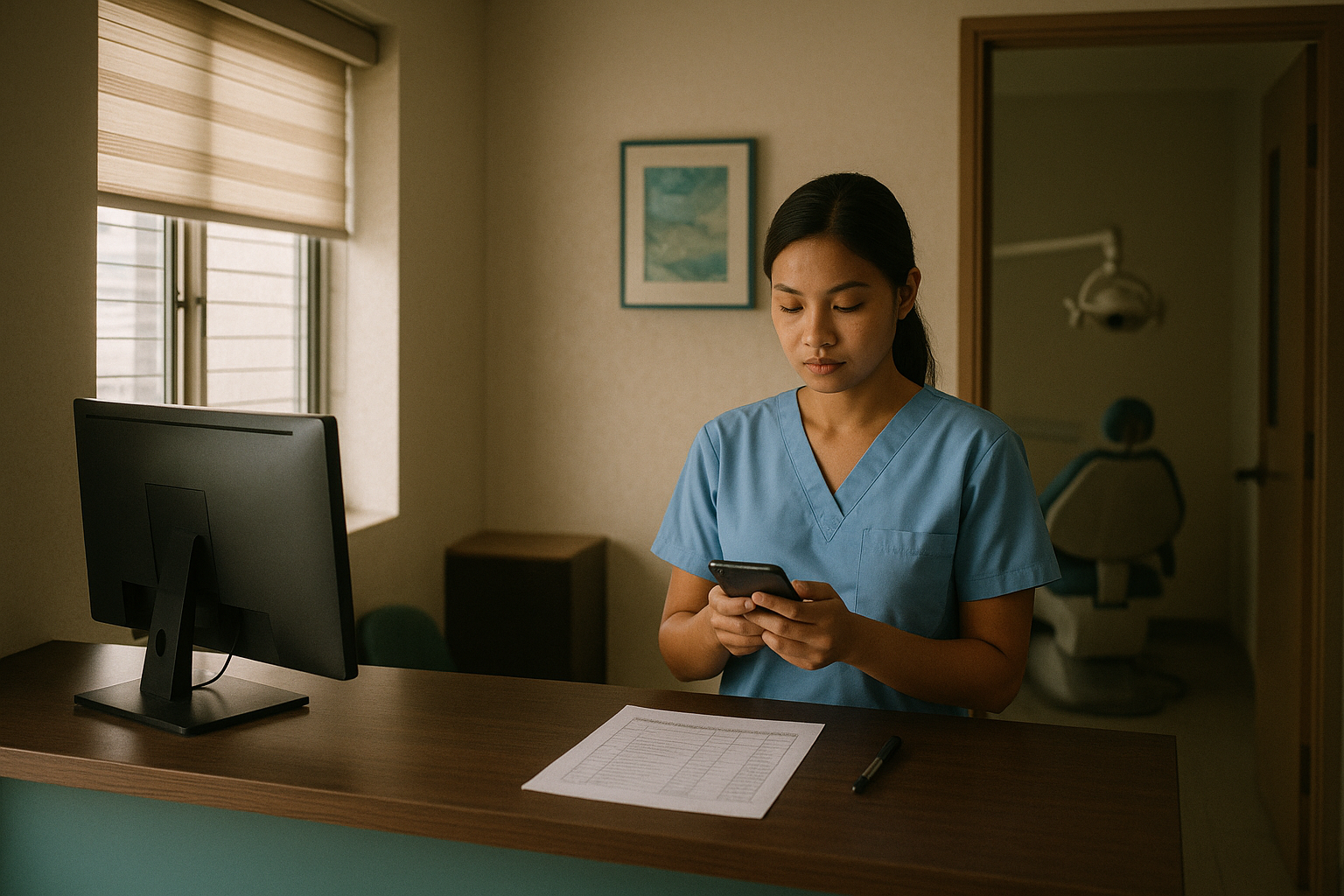
It's 2:10 on a Thursday afternoon at Smile & Skin Clinic in Mandaue, and the power goes out.
The clinic PC goes dark with it. Mrs Dela Cruz is at the counter waiting to pay. Mr Lim is booked at 2:30 and Ms Reyes at 3:00, and without a generator Doc can't see either of them. Jen needs to text them both. Their numbers are in the schedule, and the schedule is on the PC.
In Metro Cebu this year, that's not a freak afternoon. At the end of August, Visayan Electric warned that one-hour rotational brownouts may hit selected areas of greater Metro Cebu at peak demand. On September 3 the Visayas grid was on red alert from 1 PM to 10 PM, which is most of an afternoon clinic.
A software demo will show you the tooth chart. It won't show you 2:10 unless you ask for it.
The short answer
Most dental clinic management systems cover the same core jobs: patient records, dental charts, the schedule and billing. Read three feature lists back to back and they blur together. So don't choose on the list. Choose on what happens when you test each one the way your clinic will actually use it.
Run these six tests in the demo, with your receptionist at the keyboard instead of the salesperson:
- The brownout test. Can your receptionist find today's schedule on a phone with the power off?
- The Bisaya test. Can you write the reminder in your patients' language, and does it arrive?
- The visiting-dentist test. Does the system know your orthodontist only comes in on Saturdays?
- The support test. Who answers when it breaks, and can they come to the clinic?
- The exit test. Can you get every patient out as a spreadsheet, today?
- The 10 PM test. What happens to the patient who messages your Facebook page after closing?
Records systems generally aren't built to pass the sixth. Better to find that out in the demo than a month after you've paid.
First, which job are you buying for?
People use "dental clinic management system" for two different jobs, and it's easy to shop for the wrong one.
The first job is running the clinic once the patient is in the chair: records, charts, treatment plans, billing and HMO. That's practice management software, and there are several Philippine options. Our guide to dental clinic management software in the Philippines lists them, with the prices they publish.
The second job is getting the patient to the chair. Someone has to answer the Facebook page, book a time, send the reminder and follow up the patients who go quiet. Some records systems do part of this, usually reminders and sometimes online booking. Answering the page tends to be a separate tool.
Our page on choosing a dental clinic management system in Cebu sets that split out side by side. This article assumes you've shortlisted two or three systems for the first job and the demos are coming up. Tests 1 to 5 are for those. Test 6 checks the second job, so you know whether you'll need something next to the records system.
Test 1: the brownout test
Start with this one. Metro Cebu has been running it for you.
Visayan Electric serves Cebu City, Mandaue, Talisay and Naga, plus towns including Minglanilla, Consolacion, Liloan and San Fernando. On September 14 the Mandaue City Council asked it to stick to its published brownout schedule, because people and businesses plan their day around the announced times. If your clinic is in that area, assume a brownout will land in clinic hours at some point.
What you're testing depends on where the system lives.
- Installed on a clinic PC. The schedule exists only while that PC has power. A small UPS is sized to let you save and shut down, not to keep the PC running for an hour.
- Cloud, opened in a browser. The system keeps running during your brownout, because it isn't in your clinic. Your Wi-Fi usually goes with the power, so the fallback is a phone on mobile data.
To run it, ask your receptionist to switch off Wi-Fi on their own phone, log in on mobile data and find the 2:30 patient's number. Time it. Under a minute is a pass. If it means pinching and zooming around a page built for a desktop, count it as a fail, even though it loaded.
Then ask where the reminders are sent from. If the vendor's servers send them, tomorrow's reminders go out on time whatever is happening on your street. If anything at the clinic has to be switched on for them to send, a brownout at the wrong hour means they don't go.
Whatever you buy, one habit costs nothing. Print tomorrow's schedule at closing and leave it at the front desk.
Test 2: the Bisaya test
Your dental charts don't care what language a patient speaks. The parts of the system patients see do, and in most systems that's the SMS confirmation and the reminder.
During the demo, ask to write the reminder yourself. Don't settle for choosing between a few fixed templates. For Smile & Skin Clinic it might read:
SMILESKIN: Hi Ms Reyes, reminder lang sa imong cleaning ugma, Oct 1, 2:30 PM. Kung dili ka makaadto, i-reschedule diri: smileskin.ph/book
That's 137 characters, so it goes as a single text.
Then have the vendor send it to three phones, one each on Globe, Smart and DITO. On each, check that it arrived, that the sender shows as your clinic's name rather than a random number, and that the link opens.
Use three networks because Philippine carriers drop some business texts without telling anyone, especially ones with a shortened link or an unregistered sender name, and they don't all fail the same way. We went through the rules in dental appointment reminder SMS templates that actually arrive.
Watch for one more thing. If a template asks the patient to reply YES, ask the vendor to show you a reply coming in. A text from a named sender like SMILESKIN can't be replied to, so the patient's YES goes nowhere. A link the patient taps is the safer design.
Test 3: the visiting-dentist test
If your orthodontist only comes in on Saturdays, or an oral surgeon comes by arrangement, the schedule has to know that. Otherwise the rule lives in your receptionist's head, and it breaks the week they're on leave.
Ask the vendor to set up the orthodontist on Saturdays during the demo. Then try to book a braces adjustment on a Wednesday. The system should refuse, or never offer Wednesday at all. Next, book two patients with the orthodontist at the same Saturday time. The second one should fail.
If you run a second branch, or you're thinking about one in Talisay or Lapu-Lapu, add a step. Book Mr Lim at one branch, then open his record from the other. You want one patient, one record and two schedules. If the second branch can't see his last visit, you'll end up keeping two files on one person.
Test 4: the support test
The system will break on a Saturday morning with the waiting room full, because that's when things break. So ask three questions before you sign:
- When is support open, and how do you reach them: phone, Viber, email or a ticket? If you open on Saturdays, ask whether they do.
- Can someone come to the clinic to set it up and train your staff, or is it a video call and a help centre?
- Who moves your old records into the new system, you or them, and is that in the price?
Then test it. During the trial, send support a real question at 4 PM on a weekday and note when the answer comes.
Being local counts for something here. Some of these systems are built in Cebu. DentIQph, for one, lists a Talisay address. A vendor across town can drive over when your receptionist is stuck. One in Manila or overseas can still support you well over a call, as long as you know that's what you're buying.
Test 5: the exit test
Some vendors discount a year paid upfront. Before you take the discount, ask them to export every patient and appointment to a spreadsheet during the trial, and open the file yourself.
Check that names, mobile numbers, birthdays, last visits and balances are all in it. Ask about the dental charts and X-ray images too: can they come out, and in what format? If the answer is "we'll do that when you leave", ask them to do it now with the test patients. If they can't manage it while they're trying to win your business, don't count on it after.
Use made-up patients for the trial. Health information is sensitive personal information under the Data Privacy Act, and real records shouldn't go into a system until you've signed an agreement with the vendor. The privacy questions worth asking are in the national guide linked above.
Test 6: the 10 PM test
At 10:47 PM, Mr Cruz messages your Facebook page:
Pila man ang cleaning, Doc? Naa pa moy slot ugma?
Where does that go in the system you're about to buy?
In most records systems, nowhere. It sits in the page inbox until your receptionist opens it at 8:30 the next morning, and the system doesn't know Mr Cruz exists until someone types him in. By then he may have asked two other clinics the same question.
That isn't a fault in the records system, which was built for a different job. It's still worth knowing before you expect new software to fix your inbox.
Run this one tonight. Message your own page from a personal account at the hour patients do, and note when the answer comes. Then ask each vendor what their system would do with that message. If you're working out what's worth answering at night and what can wait until morning, this guide to after-hours patient inquiries goes through it.
A scorecard for the demos
Print one copy for each vendor and fill it in as you go.
| Test | What to do | Pass | Fail |
|---|---|---|---|
| Brownout | Receptionist finds the 2:30 patient's number on a phone, on mobile data | Under a minute, readable on a phone | Needs the clinic PC, or a desktop page to zoom around |
| Bisaya | Write your own reminder and send it to Globe, Smart and DITO | Arrives on all three, clinic name as sender, link opens | Fixed templates only, a random number as sender, or a text that never lands |
| Visiting dentist | Book the Saturday-only orthodontist on a Wednesday, then double-book a Saturday slot | Both refused | Either one goes through |
| Support | Ask about hours, on-site setup and moving old records. Send a 4 PM question in the trial | Clear answers and a same-day reply | "It's all in the help centre" |
| Exit | Export all test patients and appointments to a spreadsheet | You have the file during the trial | "Only when you cancel" |
| 10 PM | Message your page at night, then ask what the system does with it | You know what happens and who handles it | Nobody can tell you |
Where OtterFlow fits, and where it doesn't
OtterFlow isn't a dental clinic management system. It doesn't keep charts, do billing or handle HMO. If tests 1 to 5 are what you're shopping for, you need clinic software, and OtterFlow won't replace it.
We built it for test 6. Mr Cruz's 10:47 PM message goes to Flo, our AI front desk. Flo replies in Bisaya because he wrote in Bisaya, gives him the cleaning price you approved, offers tomorrow's genuinely open times and books the one he picks. He gets an SMS confirmation straight away, then a reminder the day before and another an hour ahead, each with a link to reschedule or cancel. If he asks something clinical or wants a person, Flo flags the chat and your receptionist takes over in the morning.
Flo runs on our servers, not on a PC in your clinic, so a brownout on your street doesn't stop it answering. It sits in front of whichever records system you choose, and bookings can sync to Google Calendar. We're a small team in Cebu, and we do the setup for you: your services, prices, hours and booking rules.
You can try it as a patient on our home page. Ask Flo a price in Bisaya and book a slot at the demo clinic. It's a real booking and it texts the number you type, so use your own.
Common mistakes
- Letting the salesperson drive. In a typical demo the vendor clicks and you watch. Hand the mouse to whoever will use the system all day, which is usually the receptionist, not the dentist.
- Testing on the vendor's sample data. Their demo clinic is tidy. Yours has a braces patient paying in installments, a patient with an old balance and a family sharing one mobile number. Set up made-up patients like those and see how the system copes.
- Assuming cloud means always on. The vendor's server is fine during your brownout, and your router isn't. Sort out the phone fallback before you need it.
- Taking the annual discount before the exit test. Once you've paid for the year, you're staying for the year, whatever the export looks like.
- Expecting records software to fix the inbox. It keeps the records of patients who made it in. The 10:47 PM message never got that far.
What to do this week
- Shortlist two or three systems. If you don't have a list yet, start with the national guide.
- Book the demos in the same week so they're fresh when you compare, and bring your receptionist to every one.
- Print the scorecard, one per vendor, and run all six tests.
- Ask the best two for a trial. Rerun the brownout and exit tests on your own, without the salesperson in the room.
- Decide. If every vendor failed the 10 PM test, that's normal. It's a separate job, and you can solve it separately.
Questions owners ask
Is cloud or installed software better with Cebu's brownouts?
Neither wins outright. Installed software keeps working when the internet drops and the power stays on. Cloud software keeps working when the power drops, as long as someone has a phone with mobile data. With the brownouts Metro Cebu has had this year, I'd lean cloud.
How much does a dental clinic management system cost?
When we checked publicly listed prices for our price guide, a realistic starting range for cloud dental software was roughly ₱400 to ₱2,000 a month, with the bigger plans running to several thousand. Prices change, so confirm with each vendor. The guide also covers what pushes a plan up the range.
Before you sign
Take the scorecard to your next demo, hand your receptionist a phone and switch off the Wi-Fi. The systems still standing after six tests are the ones worth a trial. If the 10 PM test is the one that keeps failing, book a 15-minute call with us and we'll look at where your inquiries go after closing.