
What a Messenger Chatbot Should Actually Do for a Philippine Dental Clinic
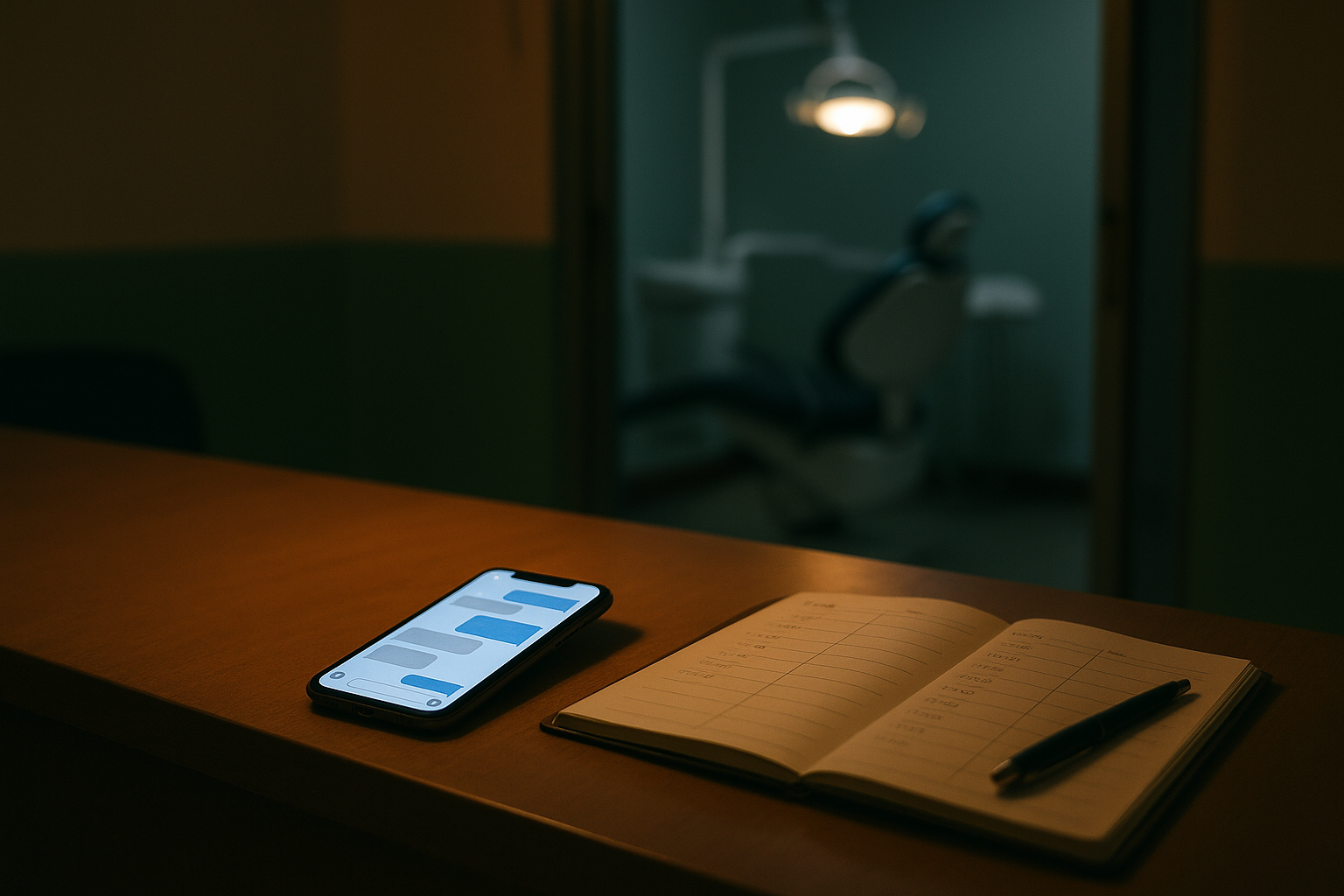
It's 9:52 on a Tuesday night, and a patient messages your clinic's Facebook page:
Hi po, magkano pasta?
The chatbot replies in under a second. "Thank you for messaging us! Please choose an option below," with three buttons: Services, Location, Contact Us. She taps Services and gets a list of treatments with no prices on it. She types "magkano po talaga". The menu comes back.
By 10:04 she's asking another clinic.
Nothing in that thread would show up as a problem. Every message got a reply, and fast. Nobody at your front desk will ever know she was there, because the thread doesn't look like a lost patient. It looks like a chat that ended.
That's why we'd judge a chatbot by how its conversations end, not by how fast it replies.
The short answer
A Messenger chatbot for a dental clinic should get every conversation to one of four endings:
- Booked. A slot that was genuinely open, the patient's mobile number, and a confirmation on her phone.
- Answered. She wanted your hours or directions, got them, and needed nothing else.
- Handed over. A person takes it from here, with a note from the chatbot so they don't start from zero.
- Routed. A clinical question, politely declined and passed to the dentist.
Anything else is an unfinished conversation: silence, a menu that loops, "please call our landline", or a price the bot made up.
Answer the price in the thread
You already know what your first messages look like: "hm po cleaning", "magkano braces", "pila ang pa-cleaning?". A good chatbot answers with your approved price, in the language the patient wrote in, and offers times in the same reply. A price on its own gives her nothing to answer except "ok po", and then the next question is up to her.
A reply that loses her:
Our prices vary depending on the case po. Please visit the clinic for a consultation.
A reply that keeps the conversation going:
Cleaning is ₱1,500 and takes about 45 minutes. We have 10:00 AM or 2:30 PM tomorrow. Which one works for you po?
Some treatments really don't have one price. A filling depends on the tooth and how big it is. The honest answer is your range and what decides it:
Pasta starts at ₱1,000 per tooth. The exact price depends on the size, and the dentist confirms it after checking, before anything starts.
These prices belong to Smile & Skin Clinic, the demo clinic we use in examples. Use your own.
None of this works unless your prices are written down somewhere the chatbot can read. If the price list lives in your receptionist's head, no chatbot will ever answer from it. Writing that list is the first job, and it's yours, not the vendor's.
Offer only times that are open
Pwede po bukas ng hapon?
A chatbot that can't see your appointment book has two ways to answer that, and both are bad. "Please wait for our staff to confirm your schedule" puts her back in the queue she messaged to skip. "Sure po!" is worse, because tomorrow afternoon might already be full.
A good one reads what's open and offers it: "Tomorrow we have 2:30 PM and 4:00 PM po. Which one?" If the afternoon's gone, it says so and offers the nearest open time instead. Then it books the slot while she's still in the thread. A chatbot that never says "that's full" is either lucky or guessing, and you find out which when two patients turn up for the same chair.
Our buyer's guide has a quick way to test this during a vendor demo, and how AI receptionists work walks through what happens between the message and the booking.
Get the mobile number before Messenger's 24-hour window closes
This one is Meta's rule, not anybody's software, and it changes what the chat has to collect.
A chatbot connected to your Page can send an ordinary message only within 24 hours of the patient's last one. Meta calls this the standard messaging window, and once it closes, the send fails. Meta used to let businesses send appointment updates outside the window using a message tag. It switched that tag off on April 27, 2026, and now points businesses to pre-approved message templates, a separate setup your chatbot may or may not have.
Run a normal booking through that. Ms Reyes books on Tuesday night for a cleaning next Monday. By Wednesday night, unless she's messaged again, the window has closed. The reminder on Sunday and the check-in after her visit both land outside it. If she messages first, the window opens again, but a reminder is exactly the message she won't send first.
So the chatbot should ask for her mobile number as part of the booking. Not in a form at the start, before she's even had her price. One line at the end is enough: name and mobile number for the confirmation. The confirmation goes out by SMS, and the reminders, the reschedule link and anything after the visit follow it there.
When you're comparing tools, ask the vendor: "Ms Reyes booked on Tuesday for next Monday. Walk me through every message she gets after Wednesday night, and which channel each one uses." Our piece on where to send appointment reminders compares SMS, Messenger and Viber.
Read Taglish and Bisaya the way patients type them
A chatbot built on keywords only knows the words someone registered for it. "Magkano" might trigger the price list, and "hm po" won't. A patient writing in Bisaya should get Bisaya back. One who switches to English halfway should get English.
The quick test: take ten messages from your own Page inbox and send them to the chatbot exactly as they came in. Don't clean them up first, because the spelling is part of what you're testing.
Say "I don't know" instead of guessing
Accredited po ba kayo sa Maxicare?
If nobody told the chatbot, the right reply is something like "I'm not sure about that one po. I've passed it to our team and they'll answer you here." The wrong reply is a confident "Yes po!" that she screenshots.
A made-up answer is worse than a slow one, because nobody catches it until she's at your counter holding up her phone.
Decline clinical questions and pass them to the dentist
Namamaga pa rin po yung gilagid ko after bunot kahapon, normal lang po ba?
That deserves a real answer, from a dentist. The chatbot's job is to get it to one. It should say it can't assess that over chat, flag the conversation for the dentist straight away, and pass on your clinic's own instruction for urgent cases, word for word, if you've written one.
Symptoms, medicine and "is this safe for me?" all belong to the dentist. A chatbot that suggests a painkiller to sound helpful has just given medical advice under your clinic's name.
Hand over to a person, then stay quiet
Pwede po makausap ng tao?
When a patient asks for a person, the chatbot should flag the chat and step back. It shouldn't squeeze in one more answer or send the menu again. Once someone on your team takes the conversation, the bot stays quiet until they hand it back.
The handover should come with a note, so whoever picks it up doesn't ask her everything again:
Ms Reyes. Asked about braces, got the consultation price, asked for a person when it got to monthly payment terms.
Tell patients it's a bot
Meta recommends telling people when they're talking to an automated chat, even where the law doesn't require it. Put it in the first message:
Hi po! This is Smile & Skin Clinic's chat assistant. I can give you prices and book you in, or get you a person anytime.
It's the fair thing to do, and it's practical too. A patient who knows from the first line that she's talking to a bot also knows she can ask for a person. One who works it out halfway through may just stop replying.
What it shouldn't do
- Answer a typed question with a button menu. If she typed, answer what she typed.
- Ask for her full name, birthday, address and HMO before it gives her a price. Name and mobile number at the booking step are enough.
- Collect medical history in the chat. Anyone with access to your Page inbox can read that thread. Health details are sensitive personal information under the Data Privacy Act, and the medical form belongs at the clinic. Our buyer's guide covers what the law expects from a chatbot vendor.
- Offer a time it can't see in your book.
- Keep answering after someone from your team has taken over.
Check yours in half an hour
Open your Page inbox in Meta Business Suite and pull the last 30 conversations a patient started. Skip the ones your staff started. For each one, write down how it ended: booked, answered, handed over, routed, or unfinished.
Then read the last few messages of each unfinished one. Where a thread stopped tells you which part of the job isn't getting done:
| The thread stopped after... | What it usually means | What to change |
|---|---|---|
| She asked the price | The bot couldn't answer, or sent a menu | Put your approved price list where the bot reads it |
| The bot gave a price, and nothing else | She had no next step | Price and two open times in one reply |
| Times were offered | They didn't suit her, or weren't real | Check which hours the bot is allowed to offer, Saturdays first |
| The bot asked for her details | Too many questions, too early | Name and mobile number only, at the booking step |
| "Pwede po makausap ng tao?" | Nobody picked it up | Send the handover alert to whoever is actually on shift |
| A clinical question | The bot answered it, or ignored it | A hard rule against clinical advice, and a route to the dentist |
Count the unfinished ones and divide by 30. That's roughly the share of your inquiries ending in nothing, and you've probably never seen it, because nothing in the inbox adds it up for you.
If you don't have a chatbot yet, run the same count on your team's replies. The unfinished pile will look different: mostly threads answered the next morning that never got a reply back. Why patients message but never book goes through the six usual reasons.
Where OtterFlow fits
This is the part where we're selling, so read it that way.
OtterFlow's assistant, Flo, introduces itself by name and answers from the prices and information your clinic approved, in English, Taglish or Bisaya, matching however the patient wrote. It reads availability that's genuinely open and books into it. The confirmation and reminders go out by SMS to the mobile number on the booking, each with a secure link to cancel or reschedule. When Flo doesn't know something, it says so and flags the chat instead of guessing. It won't diagnose or advise on symptoms. It hands the chat to your team when a patient asks for a person, and any of your staff can take a conversation over completely.
Facebook Messenger comes in through our messaging API, which we wire up for you during setup. The Messenger chatbot for dental clinics page has the rest, including pricing. Setup: ₱0. Then 4,975 a month.
The fastest way to judge Flo is to be the patient. The OtterFlow home page has a live one on our demo clinic, Smile & Skin Clinic. Ask it a price the way your patients ask you.
Questions clinic owners ask
Do we still need a receptionist?
Yes. The chatbot takes the questions with fixed answers: prices, hours, directions, open times. Anything that needs judgment still goes to a person, and a handover only works if someone's there to take it. We wrote about how that split helps a new receptionist settle in faster.
Isn't Facebook's free auto-reply enough?
For a Page that gets a few messages a week, it often is. Meta's instant reply, away message and saved answers cost nothing, and you should set them up either way. They can't see your appointment book, though, so the best they can do is "answered". They never get a patient to "booked". Our guide to automating your clinic's Facebook messages covers what the free tools can and can't do.
Start with the count
A chatbot can reply to every message in under a second and still lose patients. The dashboard won't show you which ones, but the threads will. Pull your last 30 this week and mark how each one ended. If the unfinished pile is bigger than you expected, book a call with us and bring the tally, and we'll run those same messages through Flo while you watch.