
How to Collect New Patient Details Through Messenger Before the First Visit
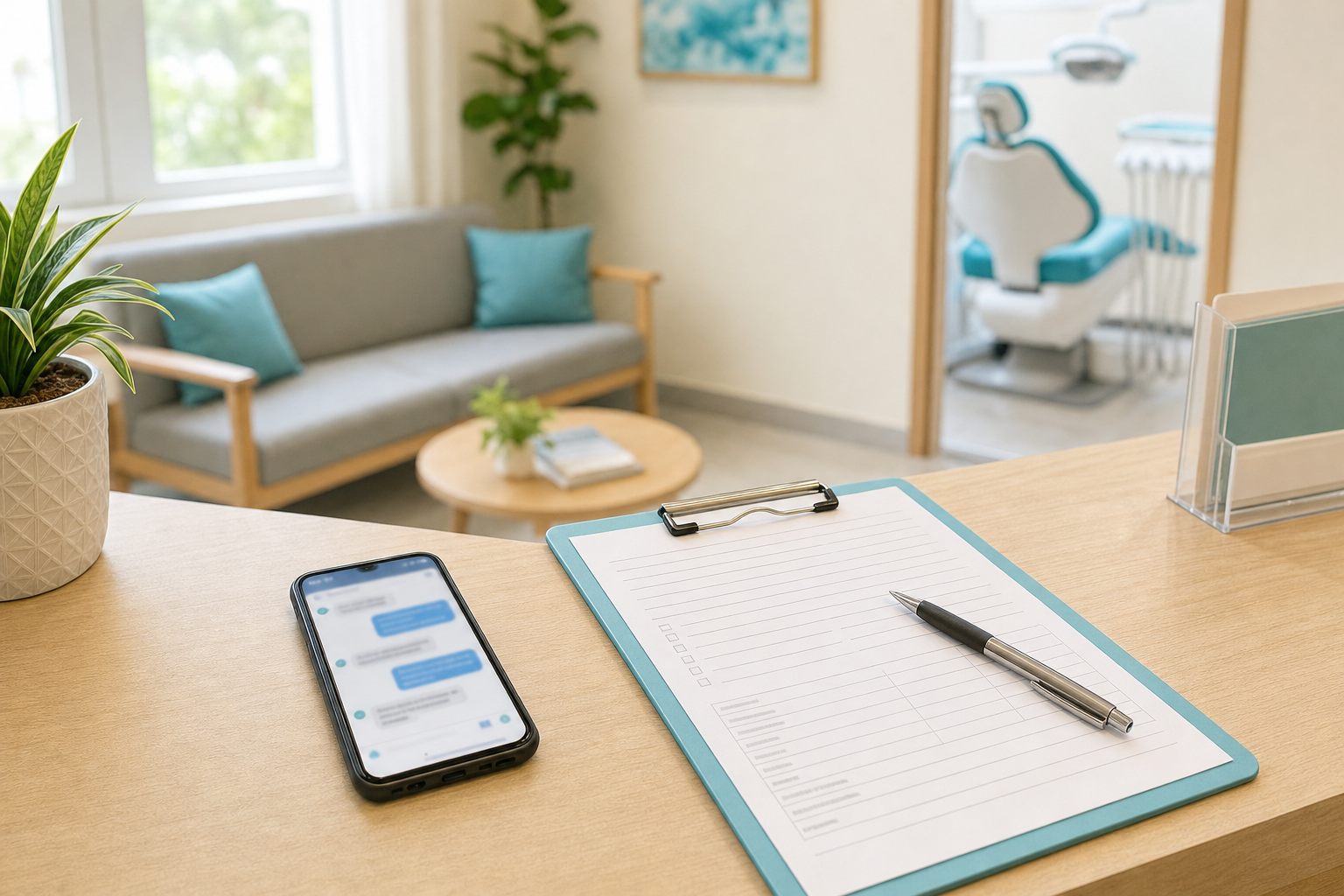
Ms Reyes books a cleaning on the Smile & Skin Clinic Page at 9:15 on a Tuesday night. Saturday, 9:00 AM.
Jen wants Saturday to run on time, so on Wednesday morning she pastes the clinic's patient information sheet into the thread. It's fourteen numbered questions in one message: full name, birthday, age, civil status, address, occupation, emergency contact, allergies, maintenance medicines, high blood pressure, diabetes, pregnancy, HMO, and who referred her.
Ms Reyes reads it on the jeep to work. She answers the first two and types "sa clinic ko na lang po i-fill up." On Saturday she doesn't come, and nobody will ever know whether the form had anything to do with it.
Now run it the other way. Mr Lim books the same Saturday and nobody asks him anything. He walks in at 8:58, gets a clipboard, and spends ten minutes on the same fourteen questions. Then he hands over his HMO card. Jen gets on the phone to check what it covers, his 9:00 cleaning starts at 9:25, and the 9:45 patient waits too.
The questions were fine both times. The first time they came too early and all at once, and the second time they came too late. Jen didn't need fewer questions. She needed them in a different order, with a few of them kept out of the chat entirely.
The short version
- At booking, ask for three things: the patient's name, a mobile number and what they're coming in for. Lock the time before you ask anything else.
- Once they're booked, ask the few things that change how the visit runs: HMO, senior citizen or PWD, whether the patient is a child, and what's bothering them.
- Put those in one short message. Three or four questions, not the whole sheet.
- Medical history goes on a form the patient fills in themselves, online or on paper at the desk. It doesn't get typed into the chat.
- Never ask for a photo of an ID or an HMO card.
- Copy the answers into the patient's record the same day. The chat isn't the chart.
Why the order matters more than the form
Until her time is locked, Ms Reyes is still shopping. She may have messaged two other clinics the same night, and each extra question before she has a time is one more moment for her to check the other two threads.
After the booking, the same questions land differently. She's coming. "May HMO po ba kayo?" now sounds like the clinic getting ready for her, because it is.
A few answers before Saturday also save real minutes on Saturday:
- HMO. Jen can check coverage on Friday afternoon instead of at the counter with the dentist waiting. Each HMO handles dental approvals its own way, so earlier is better.
- Senior citizen or PWD. RA 9994 for senior citizens and RA 10754 for persons with disability both list dental services among their 20% discounts, and both tie the discount to an ID. A patient who knows to bring her OSCA or PWD ID doesn't have to come back with it.
- A child patient. You find out before Saturday whether a parent is coming, and whose number should get the reminders.
- What's bothering her. "Cleaning lang po" and "masakit po yung bagang ko, three days na" are different appointments. The second goes to the dentist before anyone decides how long the slot should be.
What to ask, and where
Here's how I'd split a typical patient information sheet:
| Detail | Where to get it | Why there |
|---|---|---|
| Full name, mobile number, service | In the chat, at booking | You can't book without them |
| HMO, card number, company | In the chat, right after booking | So someone can check coverage before the visit |
| Senior citizen or PWD | In the chat, right after booking | So she brings the ID |
| For a child: name, age, who's coming along | In the chat, right after booking | You need to know who to expect and who gets the texts |
| What she's coming in for, in her own words | In the chat, right after booking | Tells you how long the slot needs to be |
| Birthday, address, emergency contact | On the form | Her record needs them. The booking doesn't |
| Allergies, medicines, conditions, pregnancy | On the form, then at the chair | Sensitive, and the dentist goes over it anyway |
| Photo of an ID or HMO card | Nowhere | Nothing in the visit needs it |
The last row comes from the Data Privacy Act. Section 11(d) says what you collect has to be "adequate and not excessive" for its purpose. A cleaning doesn't need a picture of a driver's license, and checking an HMO needs the card number, not a photo of the card.
The four touchpoints
1. At booking: three things
She asks a price, you answer it, you offer two real times, she picks one. Then take her full name and mobile number, confirm the booking, and stop there. What to say when a patient asks for a price over Messenger covers the part before this.
Ask for the full name, because her Messenger name might be "Mae Rys" or "Mama ni Bea", and neither belongs on a patient record. Then read the mobile number back to her. One wrong digit and her confirmation and reminders go to a stranger.
2. Right after the booking: the short list
Send the follow-up questions in the same conversation, straight after the confirmation, while she's still looking at the thread. Meta's Messenger rules limit how long a business can keep messaging someone after their last message, and for most messages that window is 24 hours. Ask while she's still in the conversation and you never have to think about it.
Pick only the questions that apply. Most new patients only need three.
3. Before the visit: the form
Medical history goes on a form she fills in herself. Paper at the desk works fine: ask new patients to come in 10 minutes early. It costs nothing, and some patients would rather write than type anyway.
An online form, such as a Google Form, lets her do it at home. Send the link on Messenger, in the same thread, not by text. A Philippine SMS carrying a link only arrives if the link itself is registered along with the sender, and a form link usually isn't. Our SMS templates guide explains the rule.
If you use an online form:
- Make it from the clinic's own account, not a staff member's personal Gmail. When that person leaves, the answers shouldn't leave with them.
- Limit who can open the responses, the same way you'd limit who can open the Page inbox.
- Keep it to the questions your dentist actually uses, not every box from a template you found online.
- Remember the form tool is now holding your patients' health information for you. What the Data Privacy Act means for clinics messaging patients covers what you need from any vendor in that position.
4. At the chair
Whatever she wrote, the dentist still goes through it with her before treatment. The form just gives the dentist somewhere to start. A box she ticked "No" on her phone on Wednesday night isn't the same as the dentist asking her face to face whether she takes any maintenance medicine.
Messages you can copy
These follow the same habits as our Taglish reply guide: one message, one po per sentence, and dates and times nobody can misread.
Right after the booking, in Taglish:
Salamat po, Ms Reyes! Booked na kayo for cleaning sa Saturday, 9:00 AM. Para ready kami pagdating ninyo, tatlong tanong lang po:
- May HMO po ba kayo? Kung meron, anong HMO at ano ang card number?
- Senior citizen o PWD po ba kayo?
- May masakit po ba, o cleaning lang talaga?
The same, in English:
Thanks, Ms Reyes! You're booked for a cleaning on Saturday at 9:00 AM. Three quick questions so we're ready for you:
- Do you have an HMO? If yes, which one, and what's the card number?
- Are you a senior citizen or PWD?
- Is anything bothering you, or is it just the cleaning?
When the appointment is for a child:
Pakisend na lang po ng buong pangalan ng anak ninyo, ilang taon na siya, at kung sino ang sasama sa kanya sa Saturday.
The form, once she's answered:
Salamat po! Since first visit ninyo, may short patient form kami, mga 5 minutes lang. Pwede ninyo itong i-fill up dito anytime bago mag-Saturday: [your form link]. Kung mas gusto ninyo sa clinic na lang, pumunta lang po kayo 10 minutes early.
Sometimes the answer is clinical. Say she writes back, "Ay may diabetes po ako, okay lang po ba magpa-cleaning?" Reply with this:
Salamat po sa pagsabi. Itatanong ko ito kay Doc at babalikan ko kayo ngayong araw.
Then actually ask the dentist. Don't answer it from the front desk, not even with "okay lang po yan." Reassurance about a clinical question is still a clinical answer.
If she doesn't reply, leave it. One unanswered question isn't worth a second and third message. Ask at the desk on Saturday.
What to do with the answers
- Copy them into her record the same day, on the card or in your system. A Messenger thread gets archived, cleaned up, and read by everyone who has access to the Page.
- Note them on Saturday's schedule: HMO to check, senior ID, parent coming, toothache rather than cleaning.
- Check HMO coverage the working day before, while there's still time to tell her if something isn't covered.
Common mistakes
- Sending the whole patient sheet before the time is booked.
- Fourteen questions in one message. She'll answer the first two.
- Asking for a "valid ID for verification". A photo of an ID proves who she is, not that she'll turn up.
- Asking for a photo of the HMO card when the card number does the job.
- Medical history typed into the chat, where anyone with Page access can read it on their phone at home.
- Answering a clinical question from the front desk.
- Leaving the answers in the thread as the only record.
- Asking a returning patient the whole list again. One question covers it: "May nagbago po ba sa number o HMO ninyo?"
Where OtterFlow fits
OtterFlow covers the first touchpoint and the texts around the appointment. Say Ms Reyes messages the Page at 9:15 PM asking how much a cleaning is. Flo, the assistant, answers with the price your clinic approved, offers two times that are genuinely open, takes her name and mobile number when she picks one, and books it. The SMS confirmation lands while she still has the phone in her hand, and reminders follow before the appointment.
On Wednesday morning Jen opens the thread, takes the conversation over, and sends the HMO and senior questions herself. Flo stays quiet in that thread until she hands it back.
If Ms Reyes asks Flo whether her diabetes is a problem for a cleaning, Flo doesn't answer it. Clinical questions go to your team, and that's built in rather than a setting someone has to remember.
What OtterFlow doesn't do is send your patient form or keep medical history. Those stay with your form and your dentist. If you want to see the booking half working, you can talk to Flo on our home page.
Questions owners ask
Do we need the patient's consent to ask all this?
Not a separate consent form for the booking and the visit. She asked to book, and the booking needs these details. Point her to your privacy notice once you start asking. Medical history falls under the Act's exception for medical treatment, which only holds while you protect it properly. Promos are different and need their own yes. Our Data Privacy Act guide walks through all three.
Should we ask for an email address?
Only if someone at the clinic will actually send her email. If nobody does, leave it off.
Can we ask for an ID to cut down on fake bookings?
An ID tells you who booked. It doesn't make them come. Confirmations and reminders do more for that, and so does a deposit on long procedures. Our no-show guide and the GCash deposits workflow cover both.
This week
Print your patient information sheet and sort every line into one of three piles: ask at booking, ask right after, or put on the form. Anything that fits none of them can probably go. And if you'd like the first pile handled at 9 PM without Jen, that's what the 15-minute call below is for.